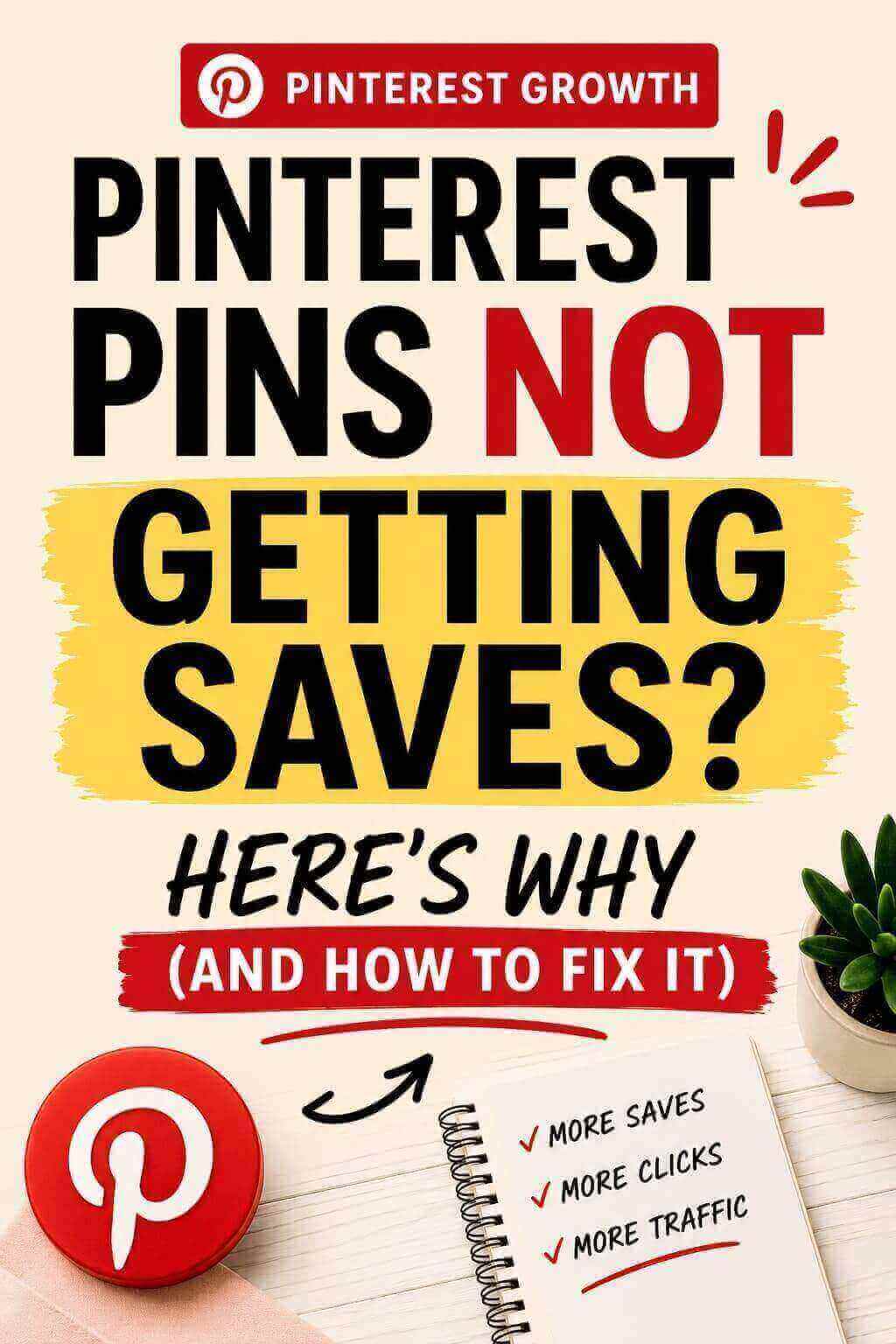
Pinterest pins not getting saves is one of the most frustrating problems for beginners — especially when your pins are getting impressions but no saves.
You open analytics and see:
- impressions going up
- reach increasing
…but saves?
👉 Almost nothing.
And here’s the truth most people miss:
👉 If your pins don’t get saved, they won’t get clicked later either.
So this isn’t just a “save problem” — it’s a traffic problem.
Let’s fix what’s actually going wrong.
Why Your Pinterest Pins Not Getting Saves (Even With Impressions)
Most beginners misunderstand how Pinterest works.
They think:
Post → get clicks → done
But Pinterest actually works like this:
👉 Impression → Save → Click → Traffic
If your pin doesn’t get saved, it disappears from the user’s future feed.
That’s why many people face Pinterest pins get impressions but no saves — and eventually no clicks.
1. Your Pins Look Nice… But Not Useful
Be honest.
Your pins probably look:
- clean
- aesthetic
- well-designed
But here’s the problem:
👉 They don’t feel worth saving.
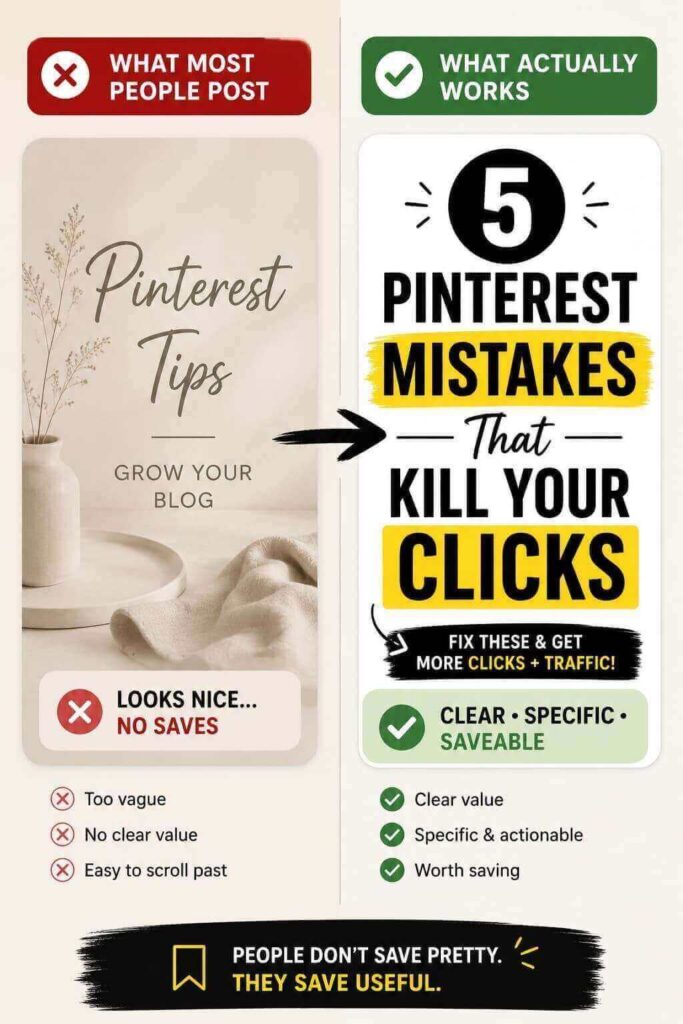
People don’t save “pretty.”
They save:
- something helpful
- something actionable
- something they want to revisit
If your pin just says: “Pinterest tips” or “Grow your blog”
That’s too vague.
What to do instead
Make your pin feel like a resource.
Example:
❌ Pinterest Tips
✅ 5 Pinterest Mistakes That Kill Your Clicks
This alone can fix part of the Pinterest pins not getting saves issue.
2. There’s No Clear Outcome
If someone sees your pin and can’t instantly understand:
👉 “What will I get from this?”
They scroll.
People save outcomes, not effort.
Fix this
Be specific.
Instead of: “Create better pins”
Say: “Create Pinterest pins that actually get clicks”
Clarity like this improves Pinterest pin engagement and saves.
3. You’re Asking for Clicks Too Early
This is a big mistake.
You’re designing pins like: 👉 “Click now”
But Pinterest users think: 👉 “I’ll save this for later”
Saving is easy.
Clicking takes effort.
Smarter approach
Design for saves first.
Clicks will follow later.
If your pins are getting seen but not clicked, read this next:
→ Why your Pinterest pins don’t get clicks (even if they look good)
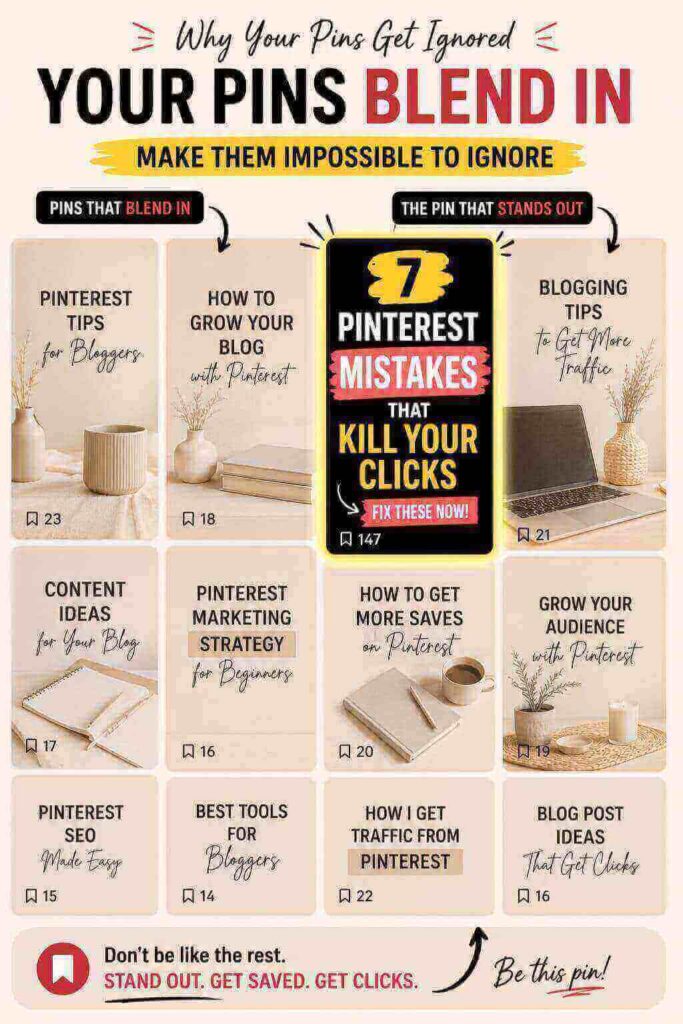
4. Your Pins Blend In
Scroll Pinterest for 10 seconds.
You’ll notice:
- same beige backgrounds
- same soft fonts
- same layouts
If your pin looks like everything else…
👉 It disappears.
Even if it looks “good.”
What actually works
You need a pattern break:
- stronger contrast
- sharper wording
- more tension
Example:
❌ Pinterest Design Tips
✅ Your Pins Look Good… But Nobody Clicks — Here’s Why
This directly helps fix Pinterest pins not getting saves.
Disclosure: This post may contain affiliate links. If you buy through them, I may earn a small commission at no extra cost to you.
Quick reality check
If your pins look good but still aren’t getting saves, your design isn’t strong enough yet.
And this is where most beginners get stuck — they spend time designing, but the output still looks average.
What changed things for me was using better templates, elements, and layouts that actually stand out in the feed.
That’s exactly why I switched to Canva Pro — not because you need it, but because it removes a lot of guesswork and makes your pins look more scroll-stopping.
👉 If you’re serious about improving your pin performance, you can try Canva Pro here and see the difference yourself.
I also compared Canva Free vs Pro for Pinterest here if you’re not sure which one to use.
Your design plays a huge role in saves. If you’re not sure what works, start here:
→ Pinterest pin design that actually gets clicks
5. There’s No Emotion Behind It
Saving is emotional.
People save things that feel:
- “this is exactly my problem”
- “I need this later”
- “this will help me fix something”
If your pin feels neutral…
👉 It won’t get saved.
And this is a hidden reason behind Pinterest pins not getting saves.
Fix this fast
Use emotional triggers like:
- frustration → “why nothing is working”
- curiosity → “what you’re missing”
- relief → “simple fix”
Quick Checklist Before You Post Any Pin
Before posting, ask:
- Would I actually save this?
- Is the benefit clear in 2 seconds?
- Does it feel useful or just pretty?
- Does it stand out in the feed?
If not — don’t post it.
Final Truth (Don’t Ignore This)
If your Pinterest pins not getting saves problem continues:
👉 They won’t get clicks
👉 They won’t bring traffic
👉 They won’t make money
Fix the save problem first.
Everything else becomes easier after that.
What You Should Do Next
Now follow this in order:
- 1. Fix your design → Pinterest pin design that actually gets clicks
- 2. Turn saves into traffic → How to create Pinterest pins that get clicks using Canva
- 3. Build a real system → Pinterest traffic strategy for beginners
If you fix the Pinterest pins not getting saves issue at its root…
Your Pinterest growth will finally start making sense.
Leave a Reply