Some links in this post are affiliate links, which means I may earn a commission if you choose to purchase through them—at no extra cost to you. I only recommend tools I genuinely find helpful.
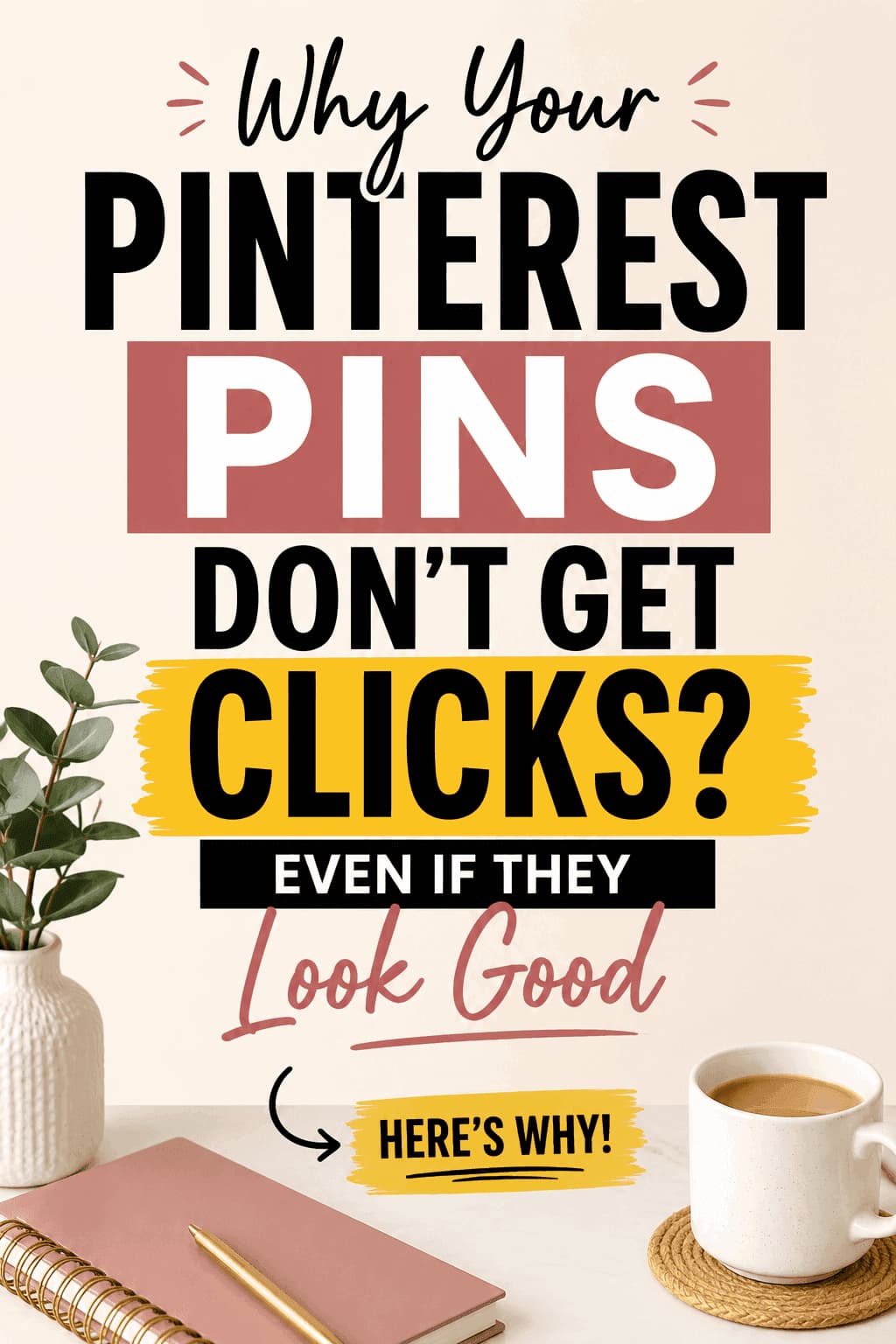
Pinterest pins not getting clicks?
You’re not alone.
Your pins might look clean, aesthetic, even “perfect”…
But still…
👉 No clicks
👉 Low Pinterest click through rate
👉 No traffic
Here’s the truth:
Most Pinterest pins fail not because of design—
but because they don’t give people a reason to click.
Pinterest Pins Not Getting Clicks? Here’s the Real Problem
Most beginners think:
“If my design is good, people will click.”
That’s wrong.
Pinterest is a search engine.
People come here to:
- Solve a problem
- Find an idea
- Get a result
If your pin doesn’t clearly promise a result…
👉 It gets ignored.
👉 If your pins are not even getting reach (before clicks), read this next:
Pinterest Pins Stop Getting Reach
Why Pinterest Pins Fail (And Kill Your Click Through Rate)
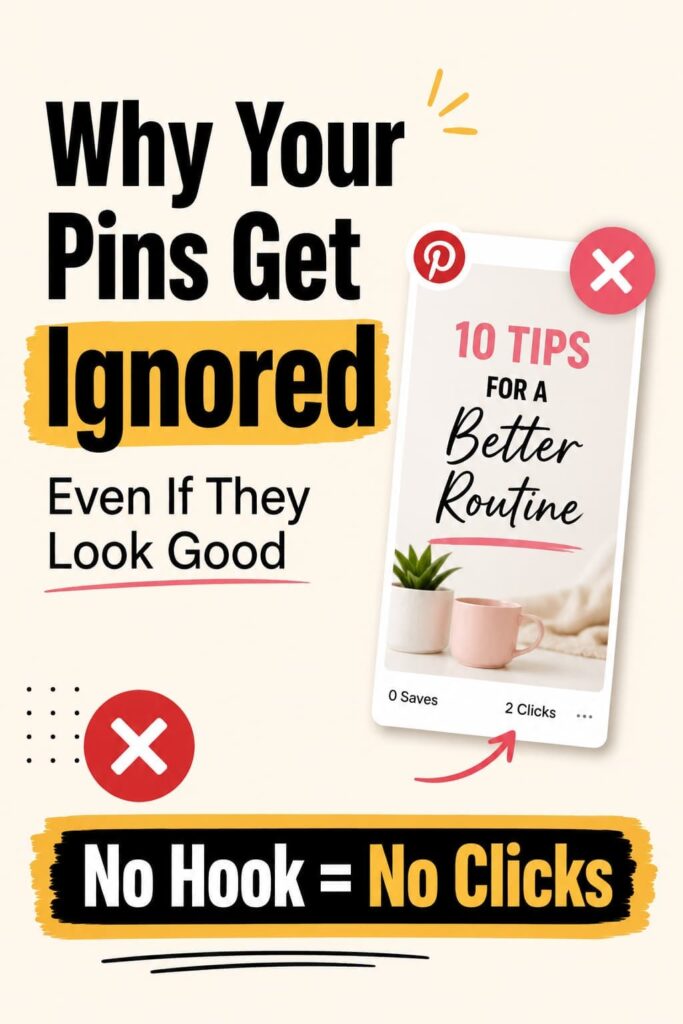
Here’s exactly why your pins aren’t getting clicks (and what’s killing your traffic):
1. Weak Headline = Low Click Through Rate
Your design may look nice.
But your headline?
Forgettable.
Example: ❌ “Canva Tips for Pinterest”
✔ “Why Your Pinterest Pins Get Ignored”
See the difference?
One is generic.
One creates curiosity.
👉 This directly impacts your Pinterest click through rate because users decide in seconds whether your pin is worth clicking.
2. No Clear Outcome = No Click
- People don’t click for effort.
- They click for results.
- No clear benefit = no reason to click
If your pin doesn’t answer: 👉 “What will I gain from this?”
They scroll.
This is one of the biggest reasons why Pinterest pins fail, even when they look visually appealing.
3. You Designed for Aesthetic, Not Click Behavior
This is where most Pinterest pins fail.
You focused on:
- Colours
- Fonts
- Layout
But ignored:
- Curiosity
- Emotion
- Tension
That’s why Pinterest pins are not getting clicks consistently.
Design should support the message—not replace it.
Quick Recap:
- No hook → No clicks
- No outcome → No clicks
- Pretty > Strategy → No clicks
Stop Guessing — Use a Proven System
You don’t need more random tips.
You need structure.
👉 Read this next:
5-Step System to Create Pinterest Pins That Get Clicks
This is how you fix your Pinterest click through rate consistently.
The Canva Mistake Beginners Make
Most people using Canva for Pinterest pins:
- Either overdesign everything
- Or depend completely on templates
Both kill performance.
Canva is powerful—but only if you use it right.
👉 If you’re confused about what you actually need:
Canva Free vs Pro for Pinterest
Create Better Pins Faster with Canva
If your Pinterest pins are not getting clicks, speed matters.
- Design faster
- Stay consistent
- Test more ideas
The more pins you test, the more data you collect—and that’s how you actually improve your Pinterest traffic.
What Actually Improves Pinterest Click Through Rate
Keep it simple:
- Bold, clear headline
- Curiosity-driven phrasing
- Clean layout
- High contrast
That’s what improves your Pinterest click through rate.
Not fancy design. Not complicated layouts.
Proven Layouts for Canva Pinterest Pins
Don’t reinvent everything.
Use proven structures.
👉 Check these beginner-friendly Canva templates:
Canva Templates for Pinterest
If You’re Serious About Better Pins
Stop wasting time adjusting small design details.
Start creating more pins that actually get clicks.
👉 Use Canva to design your pins faster and test more ideas
The more you test, the faster your Pinterest traffic grows.
Final Truth About Pinterest Pins Not Getting Clicks
Your pins are not failing because of design.
They’re failing because:
👉 They don’t make people care enough to click
Fix that—and your results change.
Build a Real Pinterest Traffic System
Don’t rely on random pins.
Learn the full strategy.
👉 Start here:
How to Use Pinterest to Grow Blog Traffic
Quick Action Plan
- Fix your pin headline
- Add curiosity
- Focus on outcome
- Follow a system
- Use Canva for Pinterest pins efficiently
Consistency + strategy = clicks.
Leave a Reply