
Intro
When I first started my faceless blogging journey, I knew Pinterest had potential to grow blog traffic, but I didn’t realize how much strategy mattered. Over the last few months, I’ve learned exactly how to use Pinterest to grow blog traffic — not just for saving ideas, but for getting consistent visitors to my site.
If you’ve already read my post on [7 Steps to Drive Pinterest Traffic to a Blog], this one takes it deeper. Here I’m sharing my real Pinterest workflow, what’s actually working, and how even a small account like mine started getting consistent clicks.
Affiliate Disclosure
This post contains affiliate links. That means I may earn a small commission if you sign up or purchase through them — at no extra cost to you. I only recommend tools I personally use and trust.
Why I Use Pinterest to Grow Blog Traffic for My Faceless Blog
Pinterest is perfect for faceless creators. You don’t need followers, camera confidence, or daily reels — just a smart content system. Unlike Instagram or YouTube, Pinterest pins keep driving blog traffic for months after posting.
I host my site on [Hostinger] — because of its simple setup and affordable plans — ideal for beginners who want to grow blog traffic using Pinterest.
How to Use Pinterest to Grow Blog Traffic – My Step-by-Step Workflow
Step 1: Finding Blog Topics That Match Pinterest Search
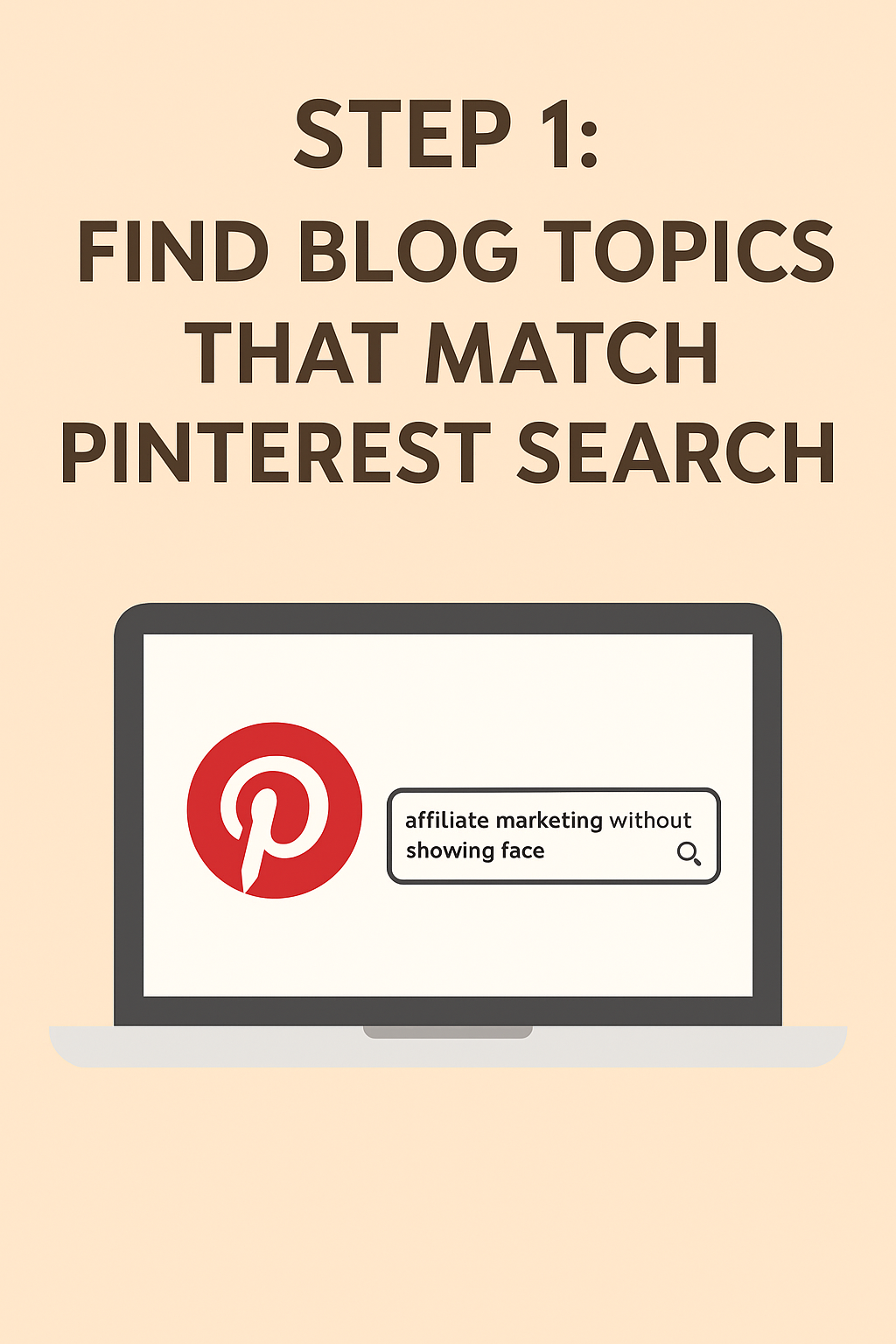
Before writing a post, I check Pinterest search suggestions to see what people are actually looking for. For example, before I wrote about faceless affiliate niches, I typed “affiliate marketing without showing face” into Pinterest to find real keyword ideas.
This helps me plan content that’s already in demand — one of the most effective ways to use Pinterest to grow blog traffic faster.
If you want consistent visitors coming to your site every month, start learning how to use Pinterest to grow blog traffic strategically. When you focus on creating clickable, keyword-rich pins and link them back to valuable blog posts, Pinterest can become a long-term source of organic growth — especially for faceless or beginner blogs that don’t rely on social media algorithms.
Step 2: Designing Clickable Pins (Without Showing My Face)
I design all my pins in [Canva] — It’s simple, quick, and perfect for beginners who want to grow blog traffic through Pinterest. I use bold fonts, clean contrast, and minimal design — because I’ve learned simple, readable pins perform better.
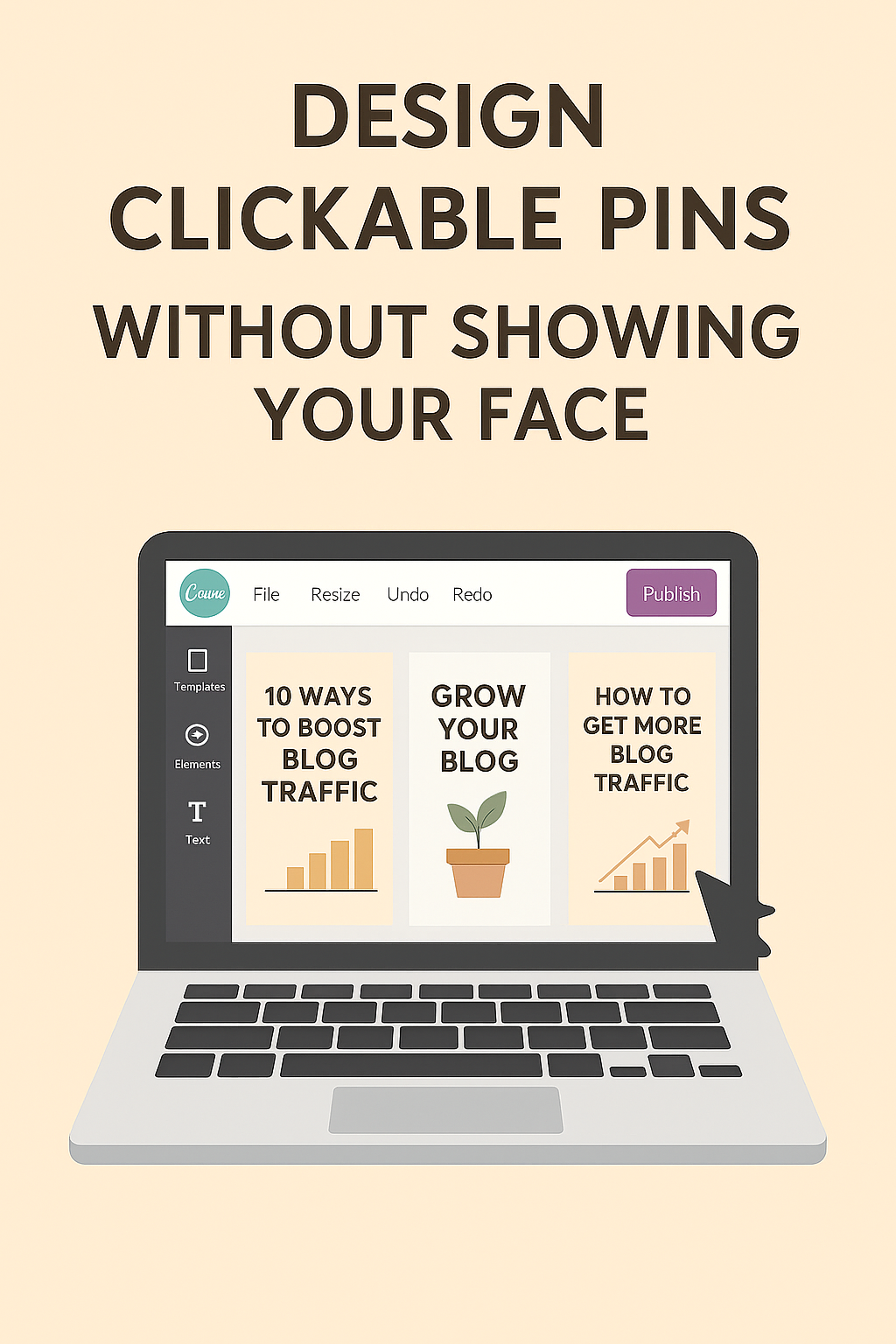
What I learned fast: ugly simple pins outperform over-designed ones. My first few pins were too colorful and text-heavy; they looked noisy. Now I stick to clean fonts and consistent brand colors.
Step 3: Writing Titles & Descriptions That Get Clicks
Titles matter more than design. I include my Pinterest blog traffic keyword naturally, but focus on curiosity too.Examples:
“How I Started a Faceless Blog Without Showing My Face”
“7 Silent Ways to Earn from Blogging (No Talking, No Camera)”
Each pin description repeats “use Pinterest to grow blog traffic” or similar once. Pinterest’s algorithm cares more about relevance than hashtags, so I skip spammy tags and write human-first descriptions.
Step 4: My Pinning Schedule & Consistency Routine
I post 3–5 new pins daily across multiple boards. Consistency is the biggest secret to growing blog traffic with Pinterest. Some days I post just one pin — but the algorithm rewards regular posting.
I track which boards bring engagement and reorganize them every week. It keeps my content fresh and helps Pinterest recognize what my niche is about.
Step 5: Tracking What’s Working – How I Use Pinterest to Grow Blog Traffic
Currently, I average 10 impressions a day and 3–4 link clicks, which might sound small — but that’s exactly how every account begins.
Interestingly, my very first pin, posted two months ago when I barely knew what I was doing, crossed 500 impressions. That moment proved how Pinterest rewards even beginners who stay consistent.
Each month, I review analytics and double down on what’s working. This habit alone helped me steadily increase my blog traffic using Pinterest.
You can check my active pins and see what I’m testing on [My Pinterest profile]
Mistakes I Made & What I Changed
1. Repinning too much: I focused on repins instead of creating new pins — bad move. Pinterest prioritizes fresh content.
2. Over-designing pins: Too many colors, fonts, and text made them look messy.
3. Ignoring descriptions — Every pin should include the phrase “use Pinterest to grow blog traffic” naturally once.
Fixing just these three raised my visibility in a week.
Even small creators can use Pinterest to grow blog traffic steadily by pinning consistently.
My Next Goal with Pinterest
I currently average around 3,000 monthly views on Pinterest, but my next goal is to reach 10,000 monthly views by refining pin templates and testing Idea Pins more consistently. I’m focusing on what’s already working to grow blog traffic through Pinterest faster and more sustainably.
I’m also learning affiliate marketing strategies through [Bizgurukul] — their courses helped me to start plan my faceless blog content around monetization instead of random posts.
If you want to see how this Pinterest growth fits into my overall journey, check out [My Faceless Blogging Journey – First Affiliate Clicks] for the bigger picture.
Final Thoughts
Using Pinterest to grow blog traffic isn’t instant — but it’s consistent if you stay disciplined. Every impression or click means your content reached someone new.
If you’re serious about building traffic silently, start now. One good pin can change your numbers overnight — I’ve seen it happen.
Pinterest keeps sending traffic even months after pinning — that’s why I always say, once you use Pinterest to grow blog traffic, you’re building momentum that compounds over time.

💬 Have questions about Pinterest strategy or faceless blogging? Reach out on WhatsApp Business — for blog-related inquiries only.
Leave a Reply