
Canva Free vs Pro for bloggers is one of the most common questions beginners ask when they start creating blog graphics, Pinterest pins, and website visuals.
When I first started blogging, every design I created — pins, banners, thumbnails — came from the free version of Canva. It was simple, beginner-friendly, and more than enough to get started.
But after creating content consistently, I noticed something: designs took more time, branding looked inconsistent, and finding good visuals became harder.
That’s when I decided to test Canva Pro’s free trial to see whether the upgrade actually saves time or just adds another monthly expense.
In this post, I’ll break down what you get with Canva Free vs Pro for bloggers, what actually makes a difference, and whether Canva Pro is worth it for beginners.
Disclosure: This post contains affiliate links. I may earn a small commission if you sign up through my link—at no extra cost to you. I only recommend tools I genuinely use and trust.
👉 If you want to explore premium templates, brand kits, and faster design tools, you can try Canva Pro here.
1.Canva Free vs Pro for Bloggers: What’s the Difference?
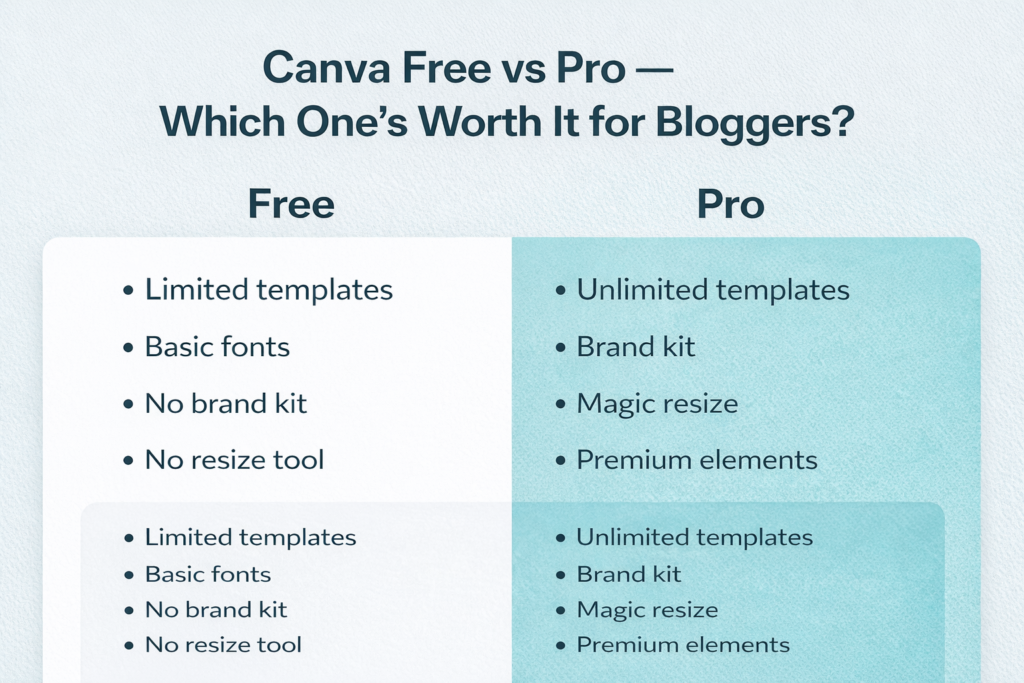
Canva Free is already powerful for beginner bloggers.
You can create Pinterest pins, blog featured images, social media graphics, and website banners without needing graphic design experience.
With Canva Free, you get:
- Thousands of ready-to-use templates
- Free stock photos, icons, and fonts
- Pre-sized templates for Pinterest and blog graphics
- Simple drag-and-drop editor
- PNG and JPG download options
If you’re still setting up your blog, this is more than enough.
If you’re just starting, read this step-by-step guide on how to start a faceless blog the right way to set a strong foundation before choosing design tools.
2.Where Canva Free Starts Feeling Limiting
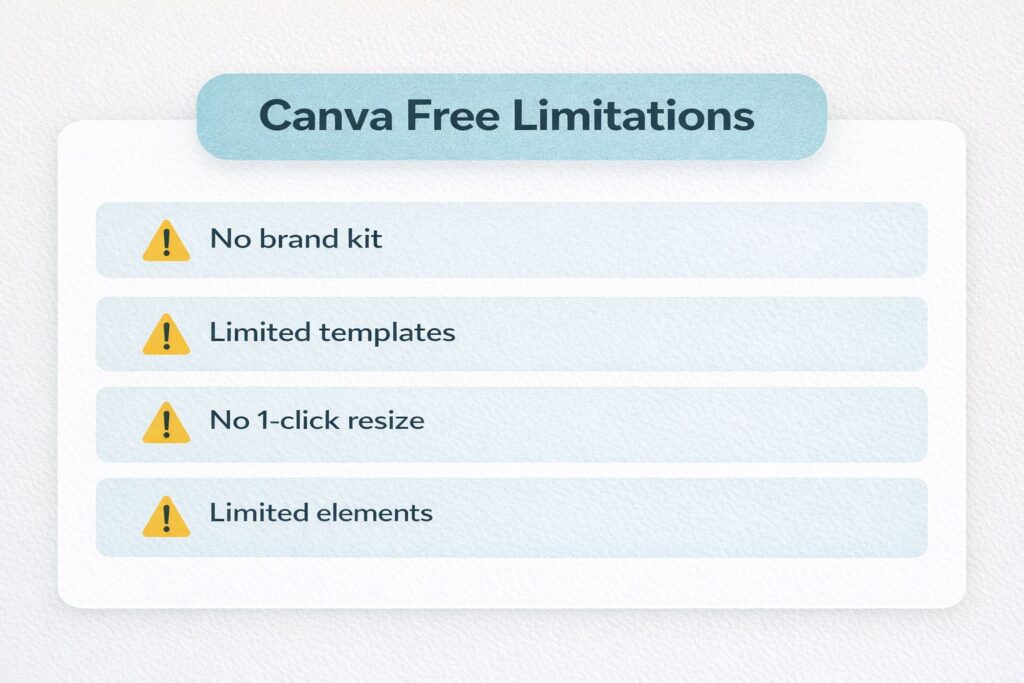
After publishing multiple blog posts and Pinterest pins, some limitations become noticeable.
Here are the main challenges bloggers face with Canva Free:
- No one-click resize option for multiple platforms
- Many premium templates and photos are locked
- No brand kit to save fonts and colors
- No transparent background option
- Limited folders for organizing designs
- Branding can look inconsistent across posts
When you start posting regularly, these small limitations slow down your workflow.
Consistency is important when building a blog brand, especially if you plan to grow traffic from Pinterest and SEO.
Consistent visuals also help when trying to get Pinterest traffic to a new blog, especially if you’re relying on organic traffic instead of social media promotion.
3. What Changed When I Tried Canva Pro
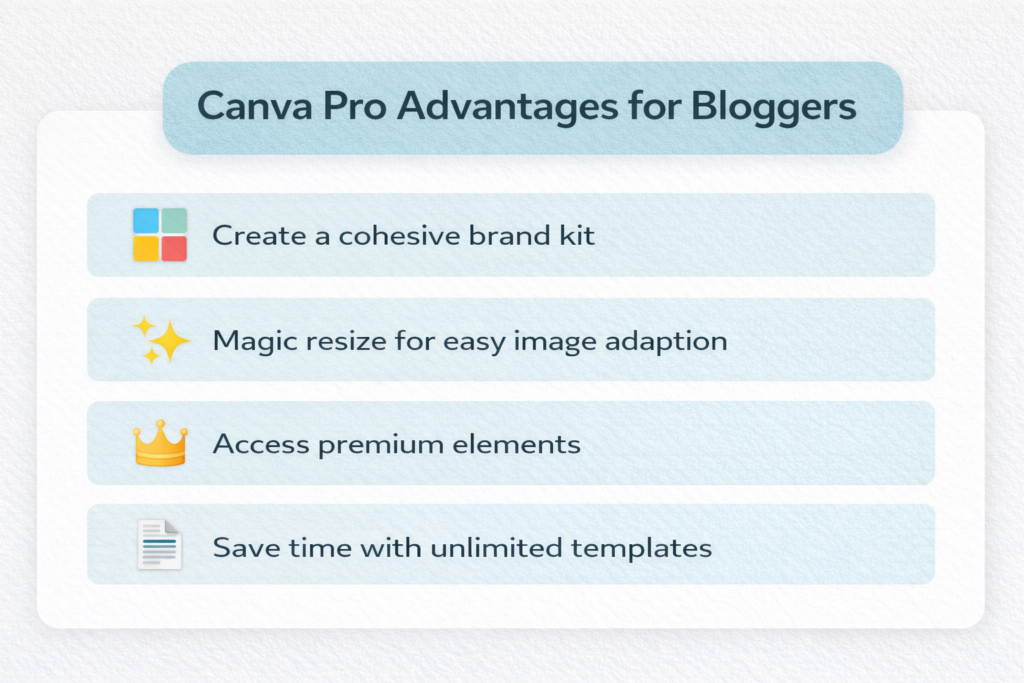
After testing Canva Pro features, the biggest difference wasn’t design quality — it was speed and consistency.
Here are the features that made the biggest impact:
✅ Magic Resize – Convert one pin into multiple formats in one click
✅ Brand Kit – Save brand fonts, colors, and logo for consistent visuals.
✅ Background Remover – Remove image backgrounds in one click.
✅ Premium Photos & Elements – Access a larger library of high-quality design.
✅ Folders – Organize blog graphics and pins efficiently.
These features make content creation faster, especially if you publish regularly.
👉 Many bloggers upgrade when they need features like resize, premium elements, and brand consistency. You can check the full features of Canva Pro for bloggers to see if it fits your needs.
4. Canva Free vs Pro for Bloggers: Final Verdict
Canva Free is perfect if you are just starting and creating occasional graphics.
Canva Pro becomes useful when:
you publish blog posts regularly
you create Pinterest pins frequently
you want consistent branding
you want to save time designing
For bloggers focused on growth, design speed and consistency matter more than advanced design skills.
Canva Pro helps simplify the visual side of blogging.
5. Try Canva Pro the Smart Way
Instead of deciding immediately, test the free trial and explore premium features yourself.
Try:
- Magic Resize
- Brand Kit
- Premium templates
- Background remover
Track how much time you save while designing blog graphics or Pinterest pins.
👉 If you want faster content creation and more professional designs, you can try Canva Pro free trial and see if the extra features are useful for your workflow.
Even if you decide to stay on the free version, the experience helps you understand how professional blog branding works.
Final Thoughts
Canva Free vs Pro for bloggers is not about which tool is better — it depends on how often you create content.
- Canva Free helps you start quickly.
- Canva Pro helps you create faster and maintain consistent branding as your blog grows.
- If design takes too much time or your visuals look inconsistent, testing the Pro version can help you decide what works best for your workflow.
Follow me on Pinterest for more blogging and traffic tips
FAQ — Canva Free vs Pro for Bloggers
Is Canva Free enough for bloggers?
Yes. Canva Free includes templates, design tools, and basic elements that are enough for beginners.
Is Canva Pro worth it for blogging?
If you create blog graphics regularly or want consistent branding, Canva Pro can save time and improve workflow efficiency.
What is the biggest difference between Canva Free and Canva Pro?
The biggest differences include Magic Resize, Brand Kit, premium templates, background remover, and more design resources.
Can beginners use Canva easily?
Yes. Canva is designed for beginners and does not require graphic design experience.
Do bloggers really use Canva?
Yes. Many bloggers use Canva to create Pinterest pins, blog featured images, social media graphics, and digital products.
Leave a Reply