
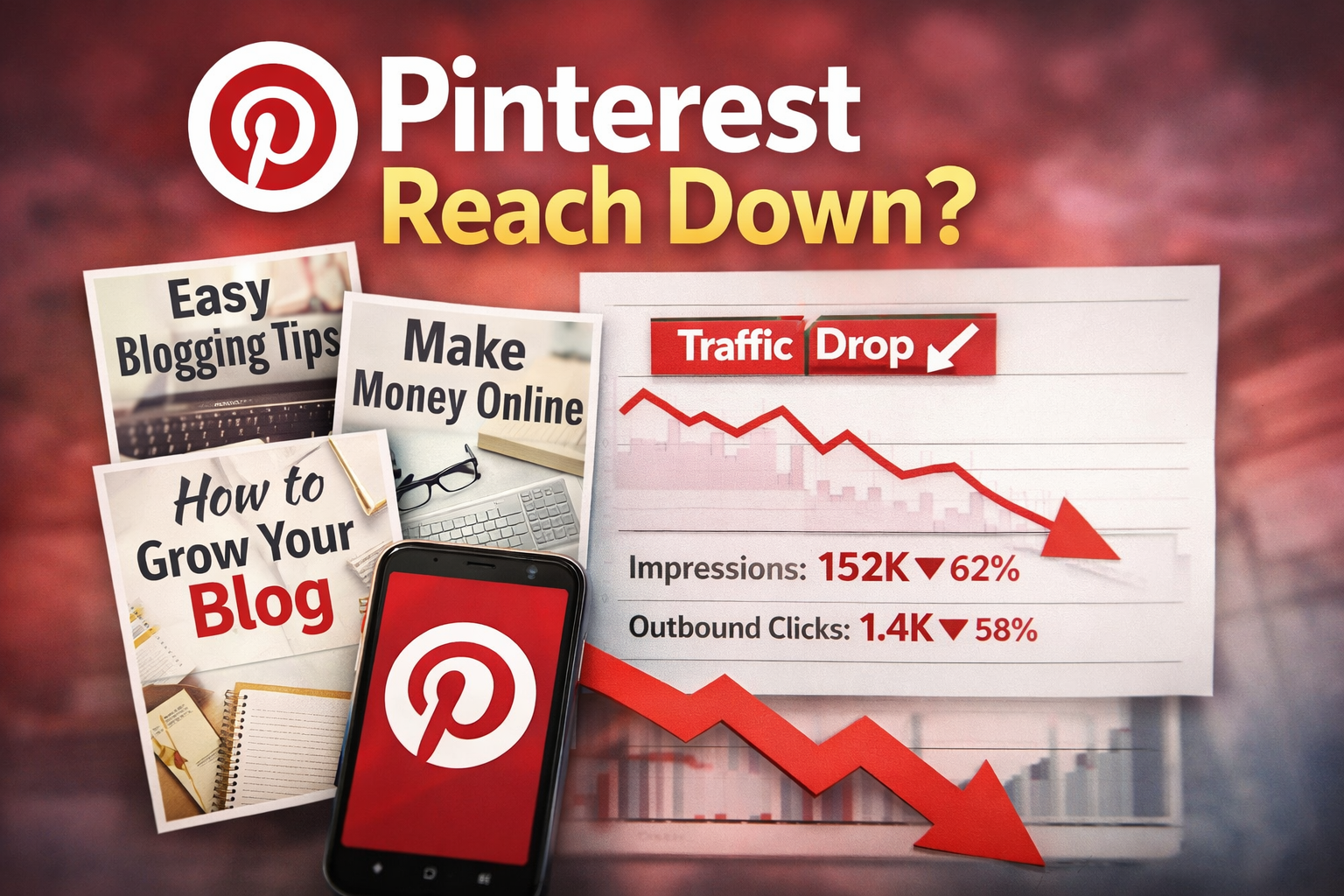
If your Pinterest pins stop getting reach, your first thought is probably: “Is my account dead?”
It’s not. But something is definitely wrong.
And if you don’t fix it now, your future pins will struggle too.
Quick Fix: Why Your Pinterest Reach Dropped (Save This)
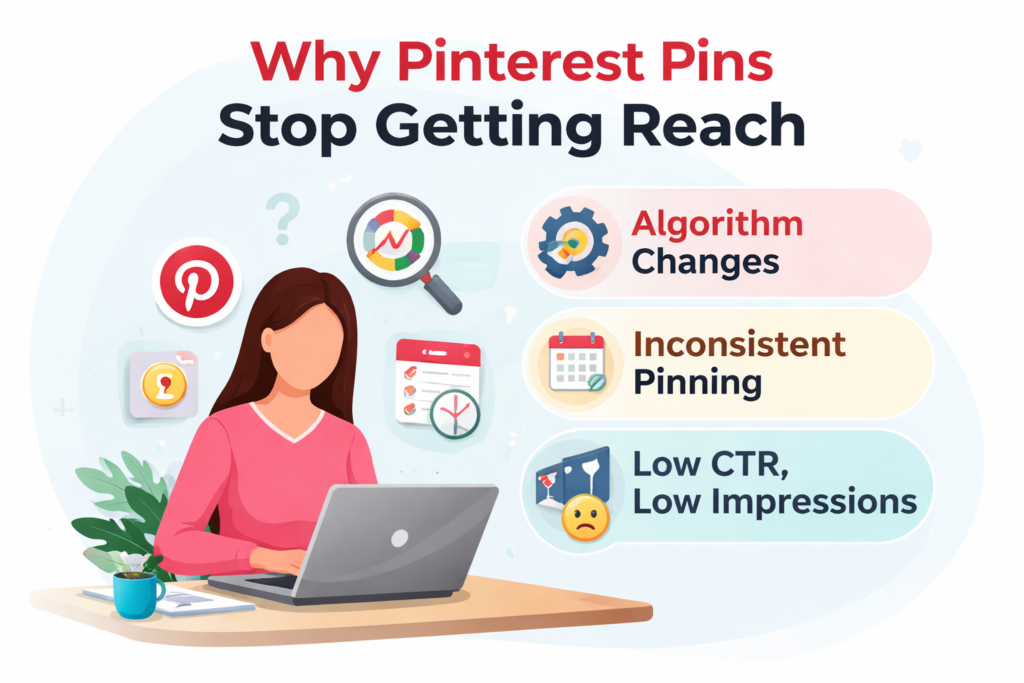
- ❌You stopped posting consistently
- ❌You’re repeating the same pin angle
- ❌Your titles are weak (low CTR)
- ❌Your designs aren’t clear enough
- ❌Your content lacks direction
👉 Fix these 5 things first before blaming the algorithm.
I learned this the hard way. My monthly views dropped sharply after I stopped uploading pins for just one week. No niche change. No spam. No mistakes — just broken consistency. Pinterest reacted immediately.
In this post, I’ll break down exactly why your Pinterest pins lose reach, what’s actually happening behind the scenes, and how to recover fast without starting over—especially when your Pinterest pins stop getting reach.
Disclosure: This post contains affiliate links. I may earn a commission at no extra cost to you.
1. Inconsistent Pinning Is Why Pinterest Pins Stop Getting Reach
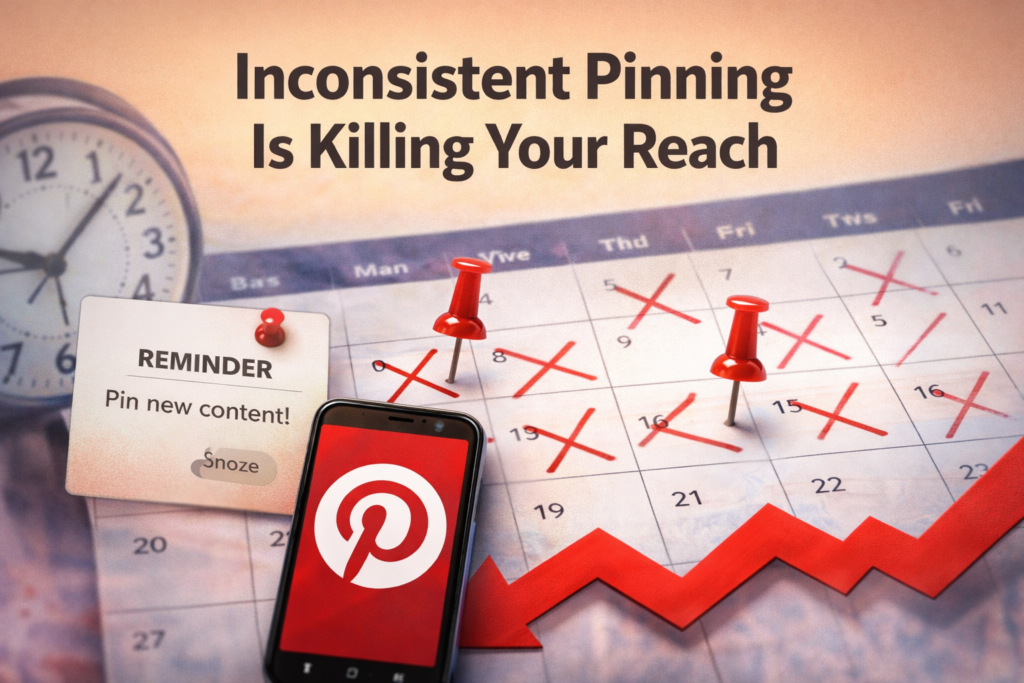
Pinterest rewards recent and consistent creators.It does not care how well your pins performed last month if you suddenly disappear.
Even a 5–7 day gap can:
- slow distribution
- reduce impressions
- push your pins out of the smart feed
Old viral pins do not protect you if you stop posting.
How to fix it
You need a minimum of one fresh pin per day. It doesn’t need to be perfect — it needs to exist.
To understand Pinterest traffic fundamentals better, read my full guide on
👉 Pinterest traffic for affiliate blogs
🔗 [Pinterest Traffic for Affiliate Blog – 7 Easy Steps (2025)]
2. Posting the Same Pin Angle Again and Again
Pinterest doesn’t just look at images.
It looks at pin intent.Pinterest tests intent before it rewards reach.
If you keep posting:
- same title
- same promise
- same hook
How to fix it
One blog post should have multiple pin angles, such as:
- problem-based (“Why your reach dropped”)
- mistake-based (“You’re killing your reach by doing this”)
- solution-based (“How to recover Pinterest reach fast”)
Same content. Different psychological entry points.
Using Canva templates makes this easier because you can swap text and structure fast without redesigning from scratch.
3.Your Titles Are Weak (Low CTR = No Reach)
Here’s the truth most beginners ignore:
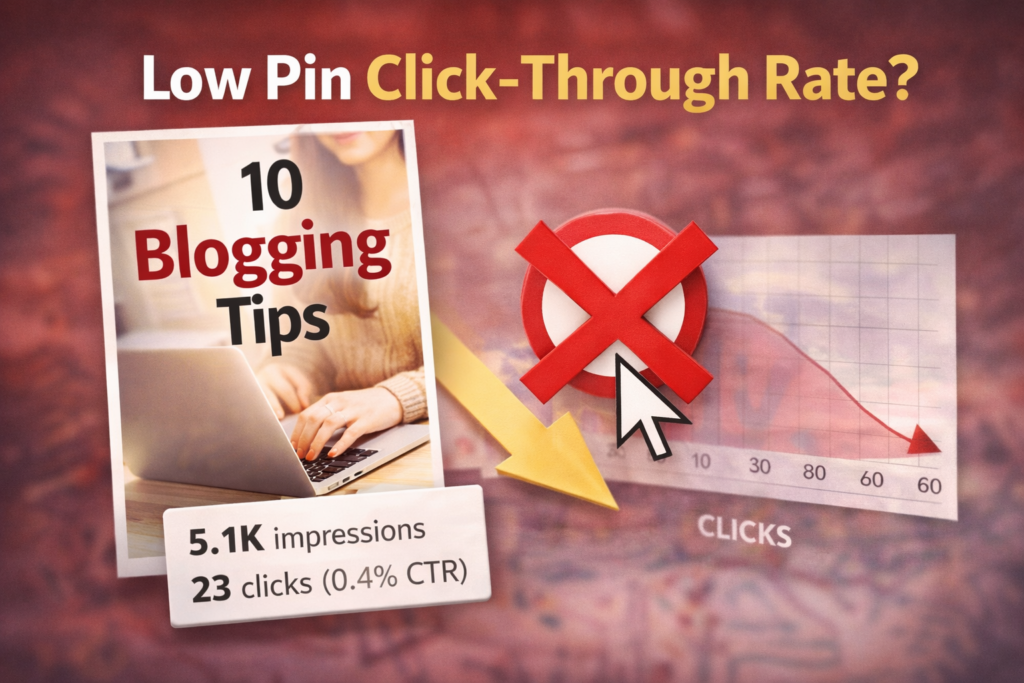
Pinterest doesn’t reward impressions—it rewards clicks.
If people see your pin but don’t click, Pinterest assumes it’s not interesting… and slowly stops showing it.
That’s why your reach drops.
How to fix it
Your pin title must create curiosity, emotion, or a clear result.
Use these 3 proven formats:
1. Problem-Based Titles
- Why Your Pinterest Isn’t Growing
- Why Your Pins Get No Views
2. Curiosity-Based Titles
- Nobody Talks About This Pinterest Strategy
- This Is Why Your Pins Suddenly Stop Working
3. Benefit-Based Titles
- Grow Your Pinterest Faster With This Simple Strategy
- Get More Clicks Using This Pin Structure
❌ Avoid boring titles like:
- Pinterest Tips for Beginners
- Blogging for beginners
These don’t make people click.
Important:
Your pin title is more important than your design.
4. Weak Pin Design Hurts Pinterest Performance
Pinterest is visual-first.
No amount of SEO saves ugly or confusing pins.
Common design mistakes:
- too much text
- low contrast
- tiny fonts
- no focal point
How to fix it
Use a simple design rule:
- 1 bold headline
- 2 colors max
- clean background
- readable on mobile
If you want to create high-converting pins faster, I personally use Canva Pro for templates, batch creation, and consistency. It saves hours every week.
You don’t need design talent. You need clarity + speed.
If you want ready-made designs, check this post:
👉 Free Canva templates for Pinterest
🔗 [10 Free Canva Templates for Pinterest (That Boost Traffic Fast in 2025)]
5. No Clear Content Direction Confuses Pinterest
When your blog jumps between too many topics, Pinterest struggles to understand:
- who your content is for
- when to show it
- which audience to test it with
Random content = diluted authority.
Focus beats volume every time.
How to fix it
For at least 30 days, focus on:
- ONE core topic
If you’re still early, this post will help you structure your content properly:
👉 Writing faceless blog posts step-by-step
🔗 [How to Write Your First Faceless Blog Post (Affiliate Blogging Step-by-Step)]
Depth beats randomness. Always.
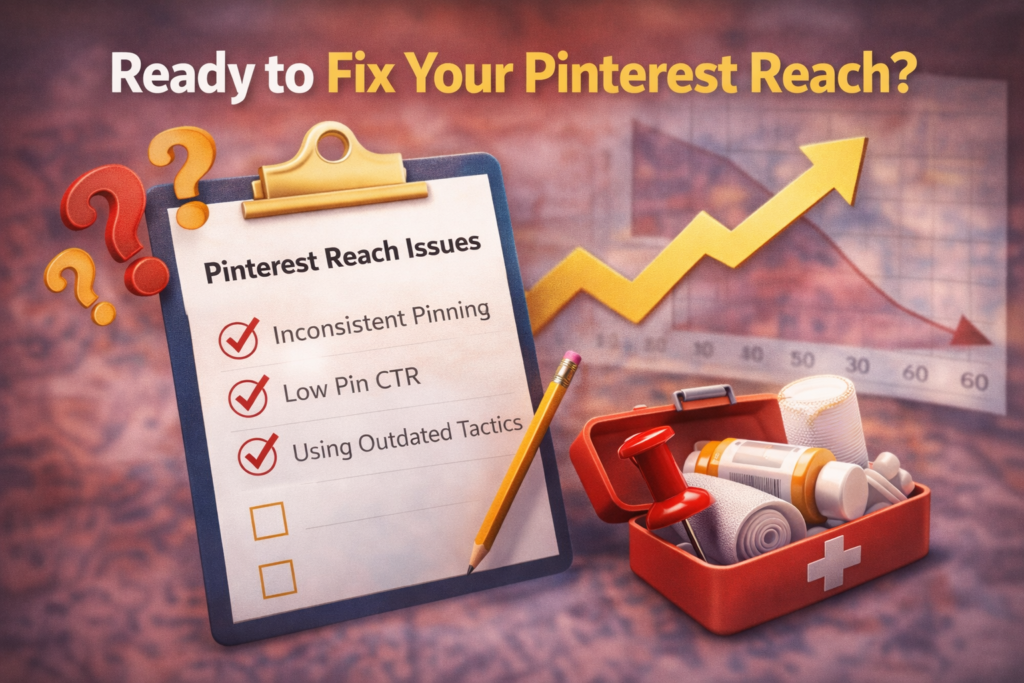
The 7-Day Pinterest Reach Recovery Plan
If your reach dropped recently, do this without overthinking:
Consistency beats intensity.
Day 1–2
- Create 5 pins in Canva
- Use different angles for the same blog
Day 3–7
- Publish 1 fresh pin daily
- Stay in the same niche
- Do not delete old pins
- Do not change niche
If you ignore this and stay inconsistent, your reach will keep dropping. Pinterest rewards action—not intention.
If you want faster results, focus on improving your pin design, titles, and consistency. These three factors alone can completely change your Pinterest growth.
Final Thoughts
Pinterest reach drops are normal — especially for faceless bloggers.
When Pinterest pins stop getting reach, it’s almost always a consistency or clarity problem — not a dead account.
It doesn’t mean:
- your account is dead
- your niche is wrong
- you should quit
It usually means one thing: execution slipped If your Pinterest pins stop getting reach, it’s usually a consistency or clarity problem.
Fix consistency. Fix clarity. Fix pin intent.
Pinterest growth isn’t random—it’s predictable.
Fix these mistakes, stay consistent for 7 days, and you’ll start seeing your reach come back.
Start now. Not tomorrow.
Leave a Reply