Affiliate Disclosure:
This post contains affiliate links. If you click and make a purchase, I may earn a small commission at no extra cost to you. I only recommend tools I personally use or believe will help beginners get better results.
Pinterest pin design that gets clicks is not about making pretty graphics…
It’s about making people stop scrolling and want to know more.
Most beginners:
- Copy random templates
- Add too much text
- Play it safe
And then wonder why nothing happens.
Here’s the reality:
👉 Pinterest is not about design — it’s about decision-making.
This blog will show you:
- Why your pins are underperforming
- What actually gets clicks right now
- How to fix your pins without overcomplicating things
Why Your Pinterest Pins Are Not Getting Clicks
Let’s be direct:
👉 Most Pinterest advice is outdated.
People tell you:
- “Use pretty templates”
- “Add more keywords”
But none of that matters if your pin doesn’t stop the scroll.
Pins fail because:
- They look like everything else
- They say nothing specific
- They don’t create curiosity
Bad vs Good Pinterest Pin (This Is Where Most People Mess Up)
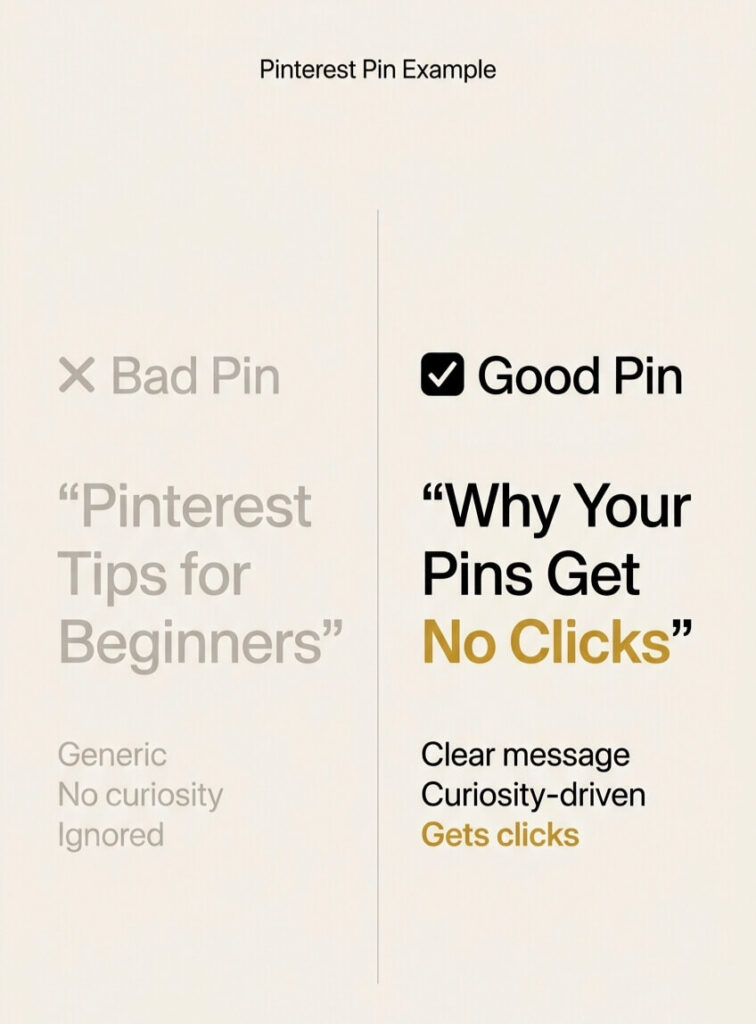
Bad Pin:
- “Pinterest Tips for Beginners”
- Beige background
- Generic stock image
- No emotional trigger
👉 Result: Ignored.
Good pin:
- “Why Your Pinterest Pins Get No Clicks”
- High contrast (beige + black + yellow highlight)
- Clear hierarchy
- Curiosity-driven
👉 Result: Click.
What Actually Makes Pinterest Users Click
People don’t click because your pin is “pretty.”
They click because: 👉 It promises something specific.
Your pin must answer instantly:
👉 “What do I gain if I click this?”
Pinterest Pin Design That Gets Clicks (What Works)
1. Clear, Bold Headline (No Guessing)
Your headline should:
- Be readable in 2 seconds
- Say ONE thing clearly
👉 “Why Your Pinterest Pins Get No Clicks”
beats
👉 “Pinterest Tips”
2. Curiosity = Higher CTR
Use tension:
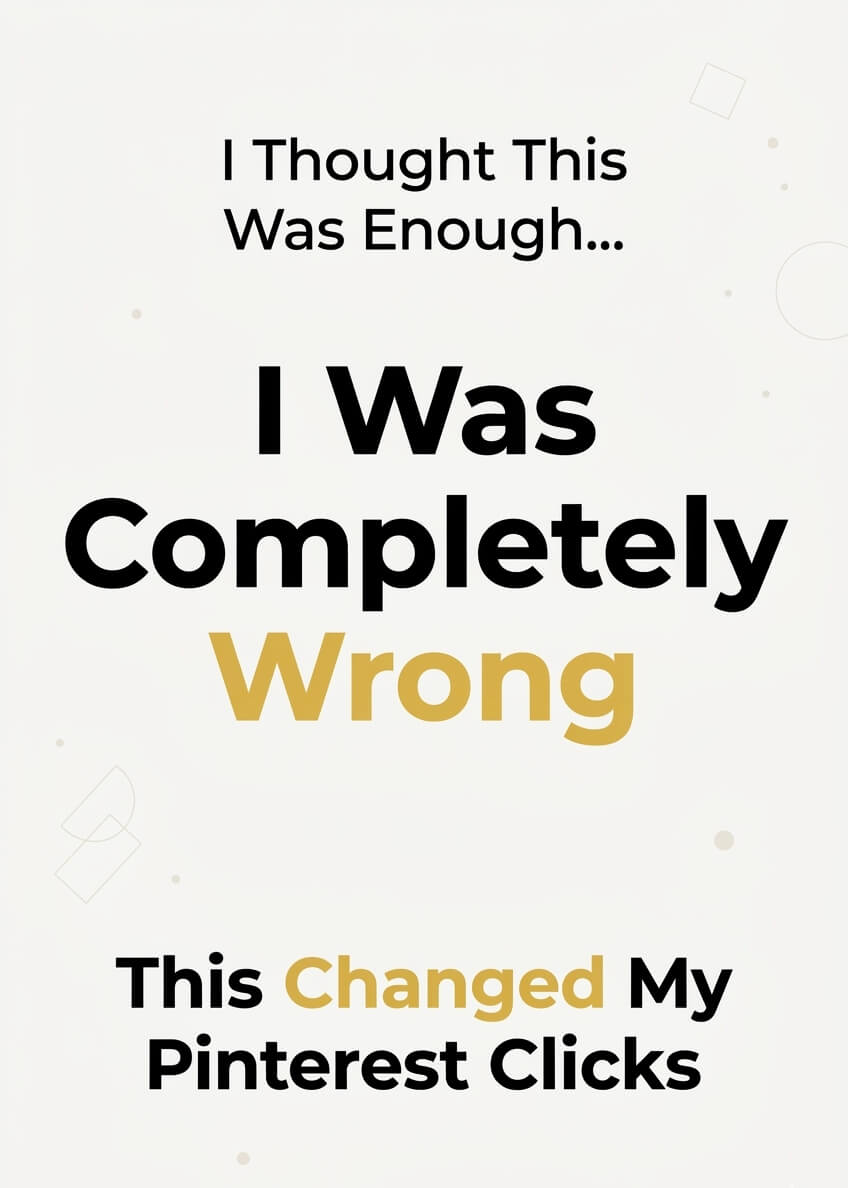
- “I Thought This Was Required… I Was Wrong”
- “This Is Why Your Pins Don’t Work”
👉 Curiosity forces clicks.
3. Clean Layout Always Wins
High-performing pins:
- Use 2–3 fonts max
- Have breathing space
- Focus on one message
👉 Minimal = more clicks.
4. Use Contrast That Actually Stands Out
This is where most beginners fail.
Use combinations like:
- Light beige + black text
- White + bold yellow highlights
- Dark background + white text
👉 Contrast = visibility = clicks.
5. Design Using Canva (Without Overthinking)
You don’t need complex tools.
Use Canva to:
- Start with a simple template
- Remove unnecessary elements
- Focus on headline clarity
👉 The free version is enough if your design decisions are right.
❌ Why Pinterest Pins Fail (And What to Avoid)
Most pins fail because:
- They are too generic
- They don’t create curiosity
- The design is cluttered
- There is no clear outcome
👉 If your pin looks like a template, people treat it like one.
⚡ How to Get Clicks on Pinterest Pins (Simple Fixes)
If your clicks are low, fix this:
- Make your headline specific
- Focus on ONE idea
- Remove extra design elements
- Improve contrast
👉 This is the foundation of pinterest pin design that gets clicks.
⚡ How to Fix Pinterest Pins Not Getting Clicks
Already posted pins not working?
Do this:
- Rewrite headline (stronger hook)
- Simplify layout
- Increase contrast
- Change positioning (not just design)
👉 Small tweaks = big difference.
📌 Best Pinterest Pin Design for Beginners
Keep it simple:
- One idea
- One promise
- One clean layout
👉 Overdesigning is the fastest way to kill performance.
✅ Quick Fix Checklist (SAVE THIS)
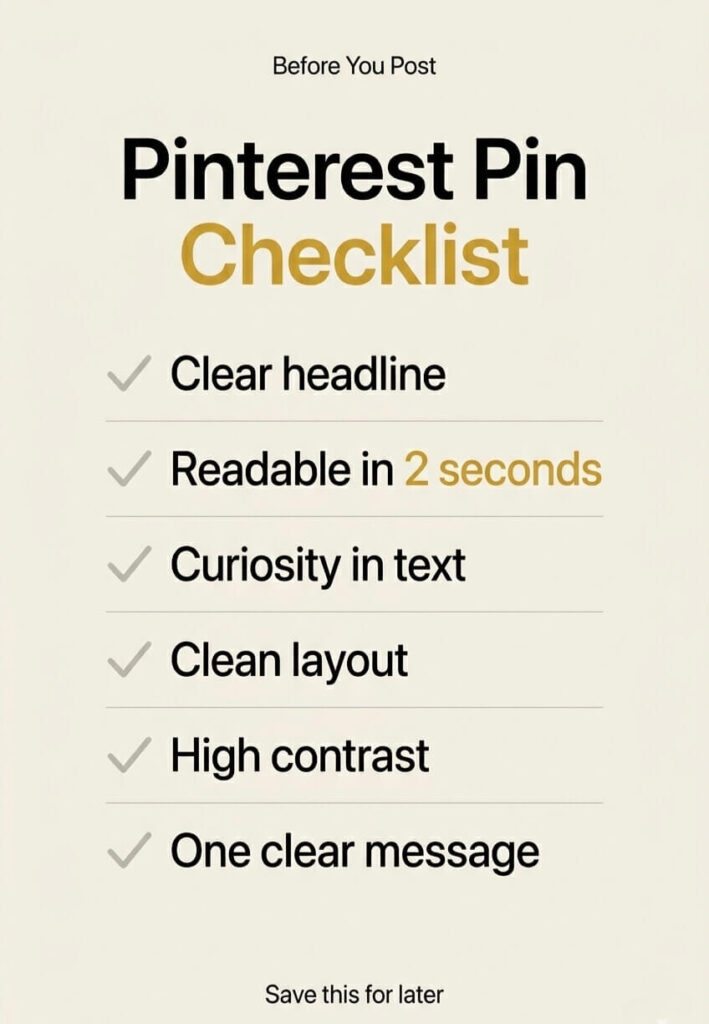
Before posting a pin, check:
✔ Is the headline specific?
✔ Can it be read in 2 seconds?
✔ Is there curiosity?
✔ Is the layout clean?
✔ Does it stand out in the feed?
👉 If you miss even one, your pin is weaker than it should be.
🔗 What To Do Next
If you want traffic (not just impressions), read:
👉 Pinterest Pins Stop Getting Reach: Why It Happens (And How to Fix It Fast)
👉 Pinterest Traffic for Affiliate Blog: Step-by-Step Beginner System
Tool I Use (Optional but Helpful)
If you want to create clean, high-performing pins faster:
👉 Use Canva to design better pins (free)
But remember:
👉 Tools don’t fix bad decisions.
👉 They just speed up good ones.
🚀 Final Reality Check
You don’t need:
- More pins
- More tools
You need: 👉 Better hooks
👉 Better clarity
Because:
👉 Pinterest pin design that gets clicks is not about design — it’s about intention.
Leave a Reply